


Recurring payments let a business charge a customer automatically on a set schedule, instead of asking for payment every single time. Subscription boxes, software companies, and utility providers all rely on this setup. It saves time for the business and removes the difficulties of manual billing for the customer. Setting one up correctly from the start helps avoid failed charges, billing disputes, and unnecessary problems for the business.
What Are Recurring Payments?
A recurring payment is any charge that happens automatically at regular intervals, such as weekly, monthly, or yearly. The customer agrees once, usually by entering their card or bank details and accepting the billing terms, and the business then charges them on schedule without asking each time again.
This differs from a one-time payment, where the customer has to manually pay every time. Recurring payments work well for subscriptions, memberships, installment plans, and any service billed on a repeating basis.
How to Accept Recurring Payments
There are a few common ways a business can set up recurring billing:
- Use a payment processor with recurring billing built in. Most modern payment processors offer this as a standard feature, letting a business set the amount, frequency, and start date for each customer.
- Use a specific recurring billing platform. Some businesses use software built specifically for subscription billing, especially if they manage many different plans or pricing tiers.
- Set up recurring payments through a payment gateway. A payment gateway processes the transaction and can be configured to trigger charges automatically on a schedule.
- Accept recurring ACH payments for customers who prefer paying by bank transfer instead of a card.
- Offer a recurring payment option, which has its own subscription and recurring billing tools.
The right method depends on how many customers a business bills, how often, and whether cards, bank transfers, or both need to be supported.
Accepting Recurring Credit Card Payments
Credit cards are the most common way businesses accept recurring payments. The process generally works like this:
- The customer enters their card details once, either on a website or through a mobile app.
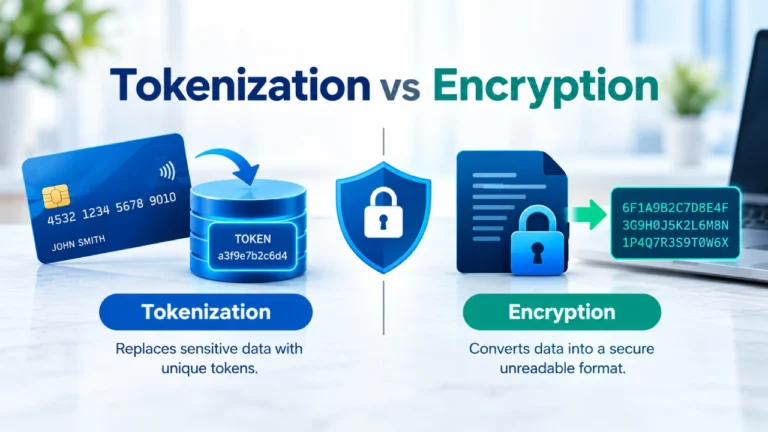
- The card details are stored securely, usually as a token rather than the raw card number, through the payment processor.
- On each billing date, the processor automatically charges the stored card.
- The customer receives a receipt or notification after each charge.
As cards expire and sometimes get declined, a good recurring credit card payment-accepting setup should also handle failed charges gracefully, which is covered further down.
Accepting Recurring Payments Online
Setting up recurring payments on a website usually involves adding a checkout form that captures payment details once and stores them for future billing. Most payment processors provide a plugin, widget, or embeddable form for this purpose, so a business doesn’t need to build the billing logic from scratch.
A basic online recurring payment setup usually needs:
- A secure checkout page or form.
- A payment processor or gateway that supports recurring billing.
- A way to track each customer’s billing cycle and plan.
- Email or text notifications for upcoming and completed charges.
Many businesses add this functionality directly to their website through prebuilt plugins, especially if they use a common platform like WordPress, Shopify, or a similar site builder.
Setting Up a Recurring Payment Gateway
A payment gateway is the technology that securely sends a customer’s payment details to the processor for approval. For recurring billing, the gateway needs to support saving payment details for future use and triggering charges without the customer being present at the time of billing.
When picking a recurring payment gateway, a few things must be checked:
- Whether it supports both credit card processing and ACH bank transfers.
- Whether it handles failed payment retries automatically.
- Whether it integrates with the business’s existing website or software.
- What fees apply per transaction and per month.
Most gateways charge a small percentage of each transaction, plus sometimes a flat fee, so comparing pricing across a few options before committing is a reasonable step.
Accepting Recurring ACH Payments
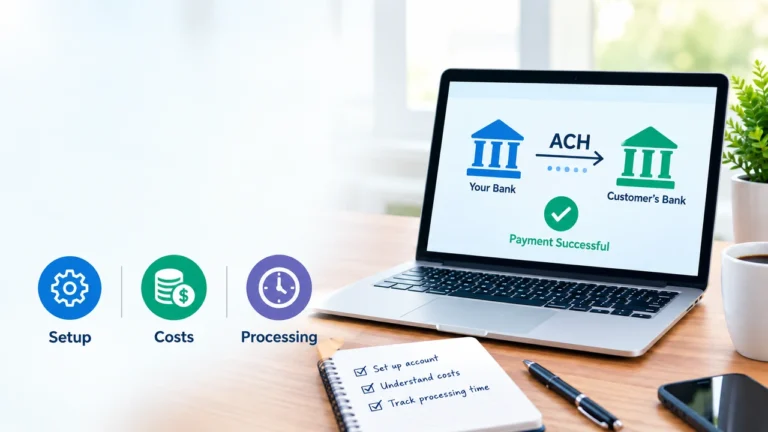
ACH (Automated Clearing House) payments pull funds directly from a customer’s bank account instead of a card. This method is common for larger recurring charges, like rent or loan payments, since ACH processing typically costs less than card transactions.
To accept recurring ACH payments, a business typically needs:
- A payment processor or gateway that supports ACH transactions.
- The customer’s bank account and routing number, or a secure bank-linking tool.
- Written or electronic authorization from the customer for recurring debits, which is a legal requirement in the U.S.
NOTE: ACH payments settle more slowly than card payments, often taking a few business days, which is factored into cash flow planning.
Subscription Billing vs. Recurring Payments
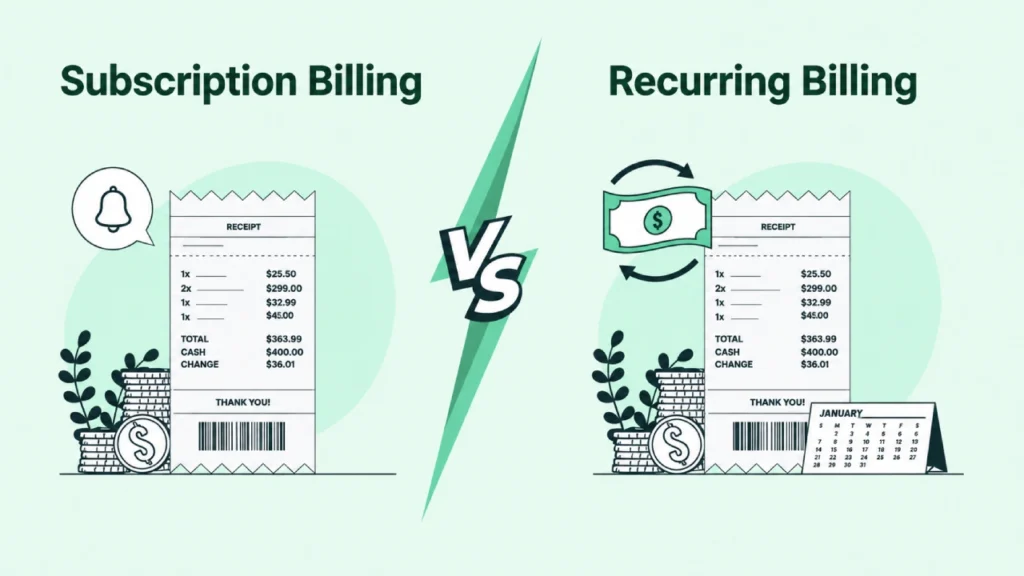
These terms overlap but aren’t identical. Recurring payments simply describe any repeating automatic charge. Subscription billing is a specific use of recurring payments, tied to an ongoing service or membership, often with multiple pricing tiers, upgrade and downgrade options, and usage-based add-ons.
A business billing the same flat amount every month is running simple recurring payments. A business offering multiple subscription tiers with prorated upgrades is running full subscription billing, which usually needs more advanced software to manage correctly.
Recurring Billing Solutions and Systems
A recurring billing system is the software or platform that manages the entire process:
- Charging customers, tracking billing cycles, updating expired cards, and generating invoices or receipts. Businesses with simple needs can often use the recurring billing feature built into their payment processor.
- Businesses with more complex plans, usage-based billing, or a high volume of subscribers often move to a distinct recurring billing solution built specifically for that purpose.
Automated Recurring Payments: Why Businesses Use Them
Automating recurring payments removes a lot of manual work. Instead of sending invoices and chasing payments every billing cycle, the business sets it up once and lets the system handle it.
- Fewer missed or late payments, since the charge happens automatically rather than depending on the customer remembering to pay.
- Less administrative work, since staff doesn’t need to manually process each payment.
- More predictable cash flow, since businesses can estimate incoming revenue based on active recurring customers.
- An easy experience for customers, who don’t need to re-enter payment details every cycle.
Common Challenges with Recurring Billing
A few common issues come up while making recurring payments for businesses and individual customers:
1. Failed payments: Cards expire, get lost, or run out of funds. Most recurring billing systems attempt to retry a failed charge a few times before flagging the account, and some automatically request updated card details from the customer.
2. Customer cancellations: Businesses need a clear, working process for customers to cancel, both to stay compliant with consumer protection rules and to avoid disputes or chargebacks from customers who couldn’t figure out how to stop billing.
3. Card updates: Many card networks offer account updater services that automatically refresh expired or reissued card numbers on file, which reduces failed payments from this specific cause.
4. Fraud and disputes: Stored payment details need to be handled securely, and a clear billing description on statements reduces the chance of a customer not recognizing a charge. Businesses should also have a clear dispute management process for payments.
Recurring payments can simplify billing by automating scheduled charges and reducing the need for customers and businesses to process payments manually. Businesses can choose from recurring credit card payments, ACH payments, payment gateways, or subscription billing systems depending on their billing requirements.
Frequently Asked Questions
Add a payment processor or gateway that supports recurring billing, connect it to a checkout form, and set the billing amount and frequency for each customer.
Recurring payments describe any repeating automatic charge. Subscription billing is a specific type of recurring payment tied to a service or membership, often with multiple pricing tiers.
Yes. Many payment processors include basic recurring billing as part of their standard transaction fees, without a separate monthly charge, though more advanced billing software often does carry its own fee.
Use a payment processor or gateway that supports ACH transactions, collect the customer’s bank details or use a bank-linking tool, and obtain proper authorization for recurring debits.
Recurring payments can typically be set up using credit cards, debit cards, or ACH bank transfers, depending on which methods the business’s payment processor supports.
Most systems automatically retry the charge a few times and may notify the customer to update their payment details. Repeated failures usually pause or cancel the subscription until payment succeeds.
Generally, yes. ACH transactions typically cost less to process than credit card transactions, though they take longer to settle, often a few business days compared to card payments.

Join the conversation
Have something to add? Share your thoughts below.